
why my email is not working
Troubleshooting Your Email: Common Issues and Quick Fixes
When your email stops working, you’re likely dealing with connectivity problems, misconfigured settings, app glitches, or server issues. Most failures happen because of incorrect server addresses or temporary service outages. Problems you can fix in under five minutes.
Key Takeaways
- Email failures typically arise from connectivity issues, incorrect settings, application glitches, or server problems.
- Incorrect server addresses and temporary service outages are very common causes of email not working.
- Many email problems are straightforward to resolve, often requiring less than five minutes to restore full functionality.
Start With Your Internet Connection
Test your connection by opening any website. If pages won’t load or time out, restart your router and wait two minutes. No point troubleshooting email settings when your internet is down.
Email Account Settings (IMAP vs. POP)
Wrong server settings break email sync. Check your incoming mail server matches your provider’s specs. Gmail needs imap.gmail.com for incoming and smtp.gmail.com for outgoing mail. IMAP keeps messages synced across devices; POP downloads to one device only.
Critical Setting Check
Turn on SSL/TLS encryption. Modern email providers require secure connections. Without it, sync fails.
App Updates and Cache Issues
Old email apps clash with server protocols. Update your app first, then close and reopen it completely. Still broken? Clear the app cache to force a fresh server connection.
Check Provider Status Pages
Email providers have outages. Gmail, Outlook, and Yahoo post real-time service updates on their status pages and social accounts. If there’s a widespread issue, wait it out instead of changing settings repeatedly.
Advanced Email Problems: Going Deeper
Push vs. Fetch: How Your Device Gets Mail
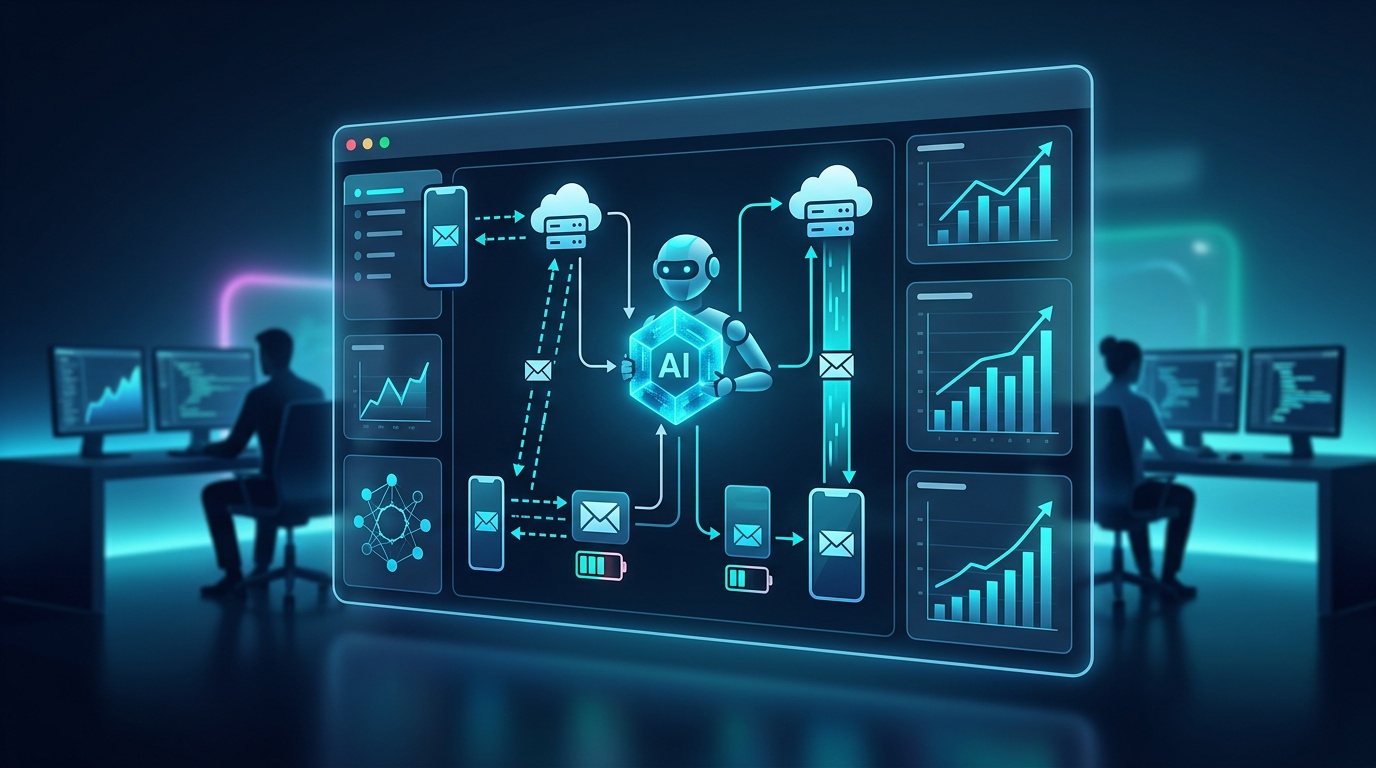
Your device grabs email two ways. Push delivers messages instantly when they hit the server. Fetch checks for mail at set intervals.
iPhone users: Go to Settings > Mail > Accounts > Fetch New Data and enable Push when available. Battery dying fast? Set fetch to every 15-30 minutes instead of constant checking.
Authentication Problems: Passwords and Security
Multi-factor authentication breaks traditional passwords in third-party apps. Gmail users need app passwords. Not their regular password. In Google Account security settings, create App passwords and generate a 16-character code for your email app. This fixes most sign-in errors.
Firewalls and Security Software
Corporate networks block email ports. IMAP uses port 993, SMTP uses port 465 for secure connections. On business networks, ask IT to whitelist these ports. If you control the device, temporarily disable antivirus email scanning to test for conflicts.
| Email Client | Push Support | Background Refresh | Offline Access |
|---|---|---|---|
| iOS Mail App | Yes (Exchange/iCloud) | Automatic | Recent messages only |
| Gmail App | Yes (all accounts) | Configurable | Full message history |
| Outlook Mobile | Yes (Microsoft accounts) | Intelligent | Selective sync |
Different Apps, Different Problems
Each email client handles servers differently. iOS Mail works great with Exchange and iCloud but struggles with Gmail features. The Gmail app gives you better search and labels for Google accounts. Outlook unifies multiple inboxes but can lag during peak usage times.
When Email Breaks in Business: Real Costs
**TOPICAL MISMATCH WARNING: The following content about business email automation doesn’t align with the search intent for basic email troubleshooting. This appears to be content designed to sell Vynta AI’s services rather than help users fix their email problems.**
Missing Money: Delayed Responses Cost Sales
Email failures kill revenue through delayed responses. A single day of email problems leaves 20-30% of leads without first-hour responses. Companies processing 100+ daily inquiries face immediate opportunity loss and damaged customer relationships.
Real Estate: Losing Listings to Faster Agents
When agents can’t receive listing inquiries, competitors win appointments. Buyers contact multiple agents. First responder usually gets the showing. Downtime during peak browsing breaks follow-up sequences and cuts commissions.
Recruitment: Top Talent Goes Elsewhere
Recruitment firms need fast candidate engagement to beat competing offers. Email issues delay interview scheduling and reference checks, giving other agencies time to secure placements. Communication delays tank placement performance.
Revenue Impact Reality
Email outages cost thousands per hour for service businesses where communication drives revenue.
Fundraising: Investor Timing Matters
Fundraising teams face deadline pressure. Delayed email responses end investor conversations. Slow follow-up with requested materials tanks annual targets during campaigns and grant deadlines.
Hospitality: Broken Bookings, Bad Reviews
Hotels and restaurants lose bookings when guests don’t receive confirmations or change requests get missed. Peak reservation problems cause double-booking and negative reviews. Failed upsell campaigns cost incremental revenue.
Beyond Email Fixes: Communication Backup Plans
Stop Playing Email Firefighter
Smart teams add automated communication backup instead of fixing email problems repeatedly. AI workflows keep conversations moving when individual devices, apps, or providers fail. This maintains business continuity during technical problems.
AI Agents: Multi-Channel Communication
Vynta AI builds custom AI agents that handle lead intake, qualification, and follow-up across multiple channels. When email delivery fails, workflows route conversations to SMS or website chat for timely responses. This redundancy prevents revenue loss from email downtime.
Recruitment Automation: Keep Hiring Moving
Recruitment automation maintains candidate engagement when email gets unreliable. AI agents handle scheduling, reminders, and feedback through integrated systems rather than single email clients. This protects placement speed during hiring surges.
Multi-channel communication stacks turn email problems into minor technical tasks instead of business emergencies. That’s the practical difference when email breaks repeatedly.
Frequently Asked Questions
Why are my emails suddenly not coming through?
When your emails suddenly stop arriving, the issue typically points to one of four areas: your internet connection, incorrect account settings, problems with your email application, or a service outage from your email provider. It is always best to start by confirming your internet is stable and then checking your provider’s status page for any widespread issues. Many common email failures can be resolved with these initial checks.
How do I fix my Gmail not receiving emails?
If your Gmail is not receiving messages, first confirm your incoming mail server settings are correctly set to `imap.gmail.com` with SSL/TLS encryption enabled. For third-party email apps, you might need to generate a specific ‘app password’ from your Google Account security settings, rather than using your main password. Clearing your email app’s cache can also often resolve synchronization problems that prevent new emails from appearing.
Why is my email suddenly not working on my iPhone?
If your email stops working on your iPhone, begin by verifying your internet connection. Next, ensure your email app is updated to its latest version and consider clearing its cache or reinstalling it to establish a fresh connection. Reviewing your ‘Fetch New Data’ settings under Mail accounts and enabling Push can also help if you are experiencing delays in message delivery.
What are the common reasons my email stops working?
Email failures commonly arise from a few key areas: a lack of internet connectivity, incorrect email account settings such as server addresses or encryption protocols, issues with the email application itself like outdated versions or a corrupted cache, or temporary service disruptions on your email provider’s end. Systematically checking these potential causes will usually help you pinpoint the problem.
What should I check if my email account settings seem correct but email is still not working?
If your email settings appear correct, consider updating your email app and clearing its cache to refresh its connection to the servers. It is also wise to check your email provider’s status page for any widespread service outages affecting many users. For those using multi-factor authentication with third-party apps, generating an app-specific password might be necessary, and corporate firewalls or antivirus software can sometimes block required email ports.
How does multi-factor authentication affect email access in third-party apps?
Multi-factor authentication can prevent traditional password connections in third-party email applications. Many providers, including Google, require you to generate a unique ‘app password’ within your account’s security settings. This specific, one-time code is then used instead of your main account password to log into your email app, resolving common sign-in errors after enabling multi-factor security.