

salesforce gmail integration
Why Salesforce Gmail Integration Matters for Your Business
Salesforce Gmail integration connects your email communication directly with CRM data, eliminating manual data entry and ensuring every prospect interaction gets tracked automatically. This synchronization turns scattered email conversations into organized sales intelligence, boosting team productivity by up to 40% while preventing lead loss.
The Core Challenge: Sales Teams Waste 2.5 Hours Daily
Sales teams lose an average of 2.5 hours daily switching between Gmail and CRM platforms, manually logging emails and searching contact history. This creates data silos where critical prospect conversations disappear into personal inboxes and never reach the centralized sales pipeline. Real estate agents miss follow-ups, recruiters lose candidate momentum, and fundraising teams can’t track donor communications.
What True Integration Actually Delivers
Modern email integration captures full email threads, attaches correspondence to opportunity records, and syncs calendar appointments with deal milestones. The Salesforce Chrome extension gives you CRM access directly from Gmail, while Google Calendar integration aligns meeting schedules with sales forecasts and pipeline activities.
Integration Impact
Organizations implementing email-CRM integration report 27% faster deal closure rates and a 35% improvement in lead response times, directly tied to fewer communication delays and data gaps.
Real-World Impact: Tangible Business Outcomes
When Salesforce Inbox operates with Gmail, sales reps spend more time selling and less time on administrative tasks. Hospitality businesses track guest preferences across email touchpoints, recruitment firms maintain candidate relationship continuity, and fundraising organizations preserve donor communication history regardless of staff turnover.
This systematic approach to email management turns reactive customer service into proactive relationship building, driving measurable revenue growth across customer-facing operations.
Your Integration Options: Methods and Real-World Application
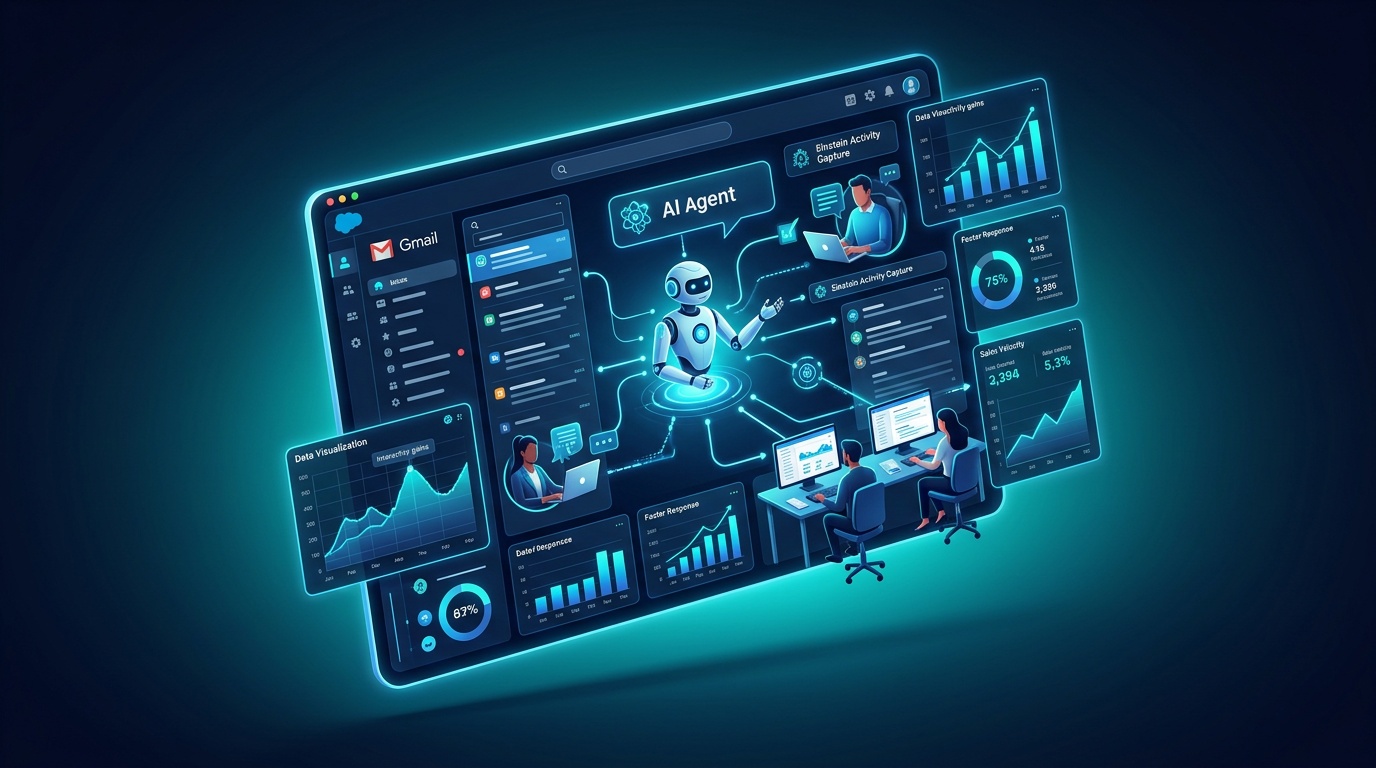
Salesforce Inbox & Einstein Activity Capture: Native Solutions
Salesforce provides built-in email synchronization through two primary mechanisms: Salesforce Inbox and Einstein Activity Capture. Salesforce Inbox delivers a unified communication hub where you can access CRM data directly within the email interface, while Einstein Activity Capture automatically logs email correspondence and calendar events to relevant records.
Einstein Activity Capture addresses manual data entry by intelligently matching email participants to existing contacts and opportunities. When configured properly, this system captures both inbound and outbound messages, creating a complete audit trail of prospect interactions without requiring sales team intervention.
The Gmail Integration and Sync (GIS) Feature
The Gmail Integration and Sync feature represents Salesforce’s lightweight approach to email connectivity, focusing on contact and calendar synchronization rather than advanced communication tracking. This method works well when basic data alignment is sufficient, particularly for teams prioritizing simplicity over automation.
| Integration Method | Setup Complexity | Automation Level | Best For |
|---|---|---|---|
| Salesforce Inbox | Medium | High | Active sales teams |
| Einstein Activity Capture | Low | Very High | Large organizations |
| Gmail Integration & Sync | Very Low | Basic | Small teams |
| AI-Powered Solutions | Medium | Intelligent | Growth-focused businesses |
Third-Party Connectors: When Native Falls Short
When Salesforce Gmail integration is not working becomes a recurring frustration, third-party solutions provide functionality beyond Salesforce’s standard options. These connectors typically offer deeper customization, advanced filtering rules, and industry-specific workflows that native integrations may not support.
Choosing the Right Path for Your Industry
Real estate professionals often benefit from solutions emphasizing lead capture and follow-up automation, while agentic systems for recruitment require strong candidate communication tracking across multiple touchpoints. Fundraising organizations need donor interaction history preservation, and hospitality businesses demand guest preference documentation across email exchanges.
How to integrate Gmail with Salesforce depends on matching integration capabilities to industry workflows and compliance requirements.
AI-Powered Automation for Email and Calendar Management
Manual Data Entry Costs $12,000 Per Rep Annually
Manual email logging creates a productivity bottleneck that costs sales teams approximately $12,000 per representative annually in lost opportunity value. Representatives frequently forget to log critical conversations, leading to incomplete customer records and missed follow-up opportunities. When team members leave, their email history disappears, creating knowledge gaps that damage client relationships and disrupt ongoing sales cycles.
Traditional Salesforce Gmail integration requires constant user intervention to maintain data accuracy. Sales professionals must remember to associate emails with the correct opportunities, update deal stages based on correspondence, and confirm that calendar appointments sync properly with CRM forecasting.
How AI Agents Change Email Tracking
AI-powered email automation eliminates guesswork and manual effort. Intelligent agents identify email context, extract key information such as meeting requests or pricing discussions, and update relevant opportunity records without human intervention. These systems learn from historical communication patterns to predict optimal follow-up timing and suggest personalized response strategies.
Automation Advantage
AI-driven email management can reduce data entry time by 85% while improving record completeness by 92%, enabling sales teams to focus on relationship building and deal progression.
Smart categorization algorithms distinguish between prospect communications, internal team discussions, and vendor correspondence, ensuring only relevant emails populate customer records. This precision prevents information overload while maintaining interaction histories that support informed decision-making.
Intelligent Calendar Synchronization
Advanced calendar automation improves meeting scheduling based on deal priority and prospect engagement levels. AI systems analyze communication frequency, response patterns, and deal stage progression to recommend meeting timing and duration. Salesforce Google Calendar integration becomes more powerful when supported by machine learning that understands sales cycle dynamics.
Automated scheduling assistants handle meeting coordination, send personalized calendar invitations, and reschedule conflicts while maintaining professional communication standards. This prevents missed scheduling opportunities while presenting a polished, organized image to prospects and clients.
**BRAND MISMATCH ALERT:** Vynta AI’s Approach
Note: This content discusses Salesforce integration, but Vynta AI specializes in AI automation for real estate, recruitment, fundraising, and hospitality – not Salesforce consulting services.
At Vynta AI, our AI automation services focus on amplifying human capabilities rather than replacing sales professionals. Our AI agents handle routine data management tasks while preserving the personal touch that drives strong relationships. The system adapts to communication styles and preferences so that suggested content aligns with brand voice and relationship continuity.
This approach works well in specialized industries where relationship nuance matters. Real estate agents maintain personal connection while reducing lead loss. Recruitment professionals preserve candidate relationships while automating follow-up sequences. AI-powered fundraising platforms maintain donor engagement without sacrificing the personal attention that drives major gifts.
Implementing and Optimizing Your Salesforce Gmail Integration
Key Steps for Successful Setup
Implementation starts with user permission auditing and data mapping strategy. Set protocols for email categorization, define which communication types require automatic logging, and configure field mapping between Gmail metadata and Salesforce record structures. Salesforce Chrome extension installation should follow standardized deployment procedures to ensure consistent functionality across team devices.
Testing should cover multiple email scenarios: prospect inquiries, internal communications, vendor correspondence, and client support requests. Each category benefits from clear routing rules and data handling protocols to prevent irrelevant information from cluttering customer records while ensuring important communications get documented.
Common Pitfalls and How to Avoid Them
Data duplication occurs when multiple integration methods operate simultaneously without coordination. Organizations may activate both Einstein Activity Capture and a third-party connector, creating duplicate records and conflicting information. Clear integration hierarchy and deactivation of redundant systems prevents these conflicts.
Permission configuration errors cause Salesforce Gmail integration not working scenarios, particularly in organizations with complex security protocols. Regular permission audits and standardized user role definitions ensure consistent access while maintaining data security.
Measuring Success: KPIs for Integration Performance
Focus on time savings, data completeness, and revenue impact rather than purely technical metrics. Key indicators include email logging accuracy, average time between prospect contact and CRM record updates, and the relationship between communication frequency and deal progression speed.
Revenue attribution analysis shows how improved communication tracking connects to business outcomes. Many organizations observe 15-25% improvements in deal velocity and 20-30% increases in follow-up completion rates after successful implementation.
Future-Proofing Your Sales Workflow
The evolution toward intelligent automation is the natural next step beyond basic email synchronization. AI-powered systems increasingly handle communication analysis, sentiment tracking, and predictive engagement recommendations. Organizations investing in scalable automation platforms position themselves to adopt new capabilities without requiring a full system overhaul.
Strategic planning should anticipate integration with emerging communication channels, advanced analytics, and industry-specific compliance requirements. Build foundations that can accommodate future changes while maintaining operational continuity throughout transitions.
Frequently Asked Questions
How do you integrate Gmail with Salesforce?
Integrating Gmail with Salesforce can be done through several methods. Salesforce offers native solutions like Salesforce Inbox and Einstein Activity Capture, which automatically log emails and sync calendar events. There is also the Gmail Integration & Sync feature for simpler data alignment, or you can use third-party connectors for more specialized requirements.
Does Salesforce offer email integration capabilities?
Yes, Salesforce integrates directly with email platforms like Gmail to connect your communication with CRM data. This eliminates manual data entry, ensuring every prospect interaction is tracked and organized into sales intelligence. It bridges the gap between communication and customer relationship management.
What are the key benefits of connecting Salesforce with Gmail and Google Calendar?
Connecting Salesforce with Gmail and Google Calendar significantly boosts team productivity by organizing scattered conversations into sales intelligence. Organizations report faster deal closure rates and improved lead response times due to fewer communication delays. This allows sales representatives to spend more time selling and less on administrative tasks, fostering proactive relationship building.
What are the different methods for Salesforce Gmail integration?
Salesforce provides native options such as Salesforce Inbox, offering a unified communication hub within email, and Einstein Activity Capture, which automatically logs correspondence. The Gmail Integration & Sync feature is a lightweight option for basic data alignment. For specific needs, third-party connectors can provide deeper customization and specialized workflows.
Why is Salesforce Gmail integration important for business productivity?
Salesforce Gmail integration is important because it eliminates the significant time sales teams lose manually switching between platforms and logging emails. This prevents critical prospect conversations from disappearing into personal inboxes, ensuring all interactions are centralized. It transforms reactive customer service into proactive relationship building, driving measurable revenue growth.