plexiate face
A single portrait can become a coordinated set of visual assets for social media, character design, product marketing, or a digital identity. plexiate face describes AI image workflows that preserve recognizable facial features while creating new versions in different styles, formats, and settings.
Key Takeaways
- A dedicated emergency fund can help separate emergency savings from everyday spending.
- Start with a realistic first milestone, then build toward several months of essential expenses over time.
- Keep the money accessible, review it regularly, and avoid using it for planned purchases.
The practical value goes beyond visual novelty. Identity consistency, consent, commercial rights, processing speed, and system integration determine whether a face-generation workflow can support a real content process. Vynta AI helps businesses assess and automate these workflows where they fit an existing marketing or operations process; face generation itself is not a standalone Vynta product.
What is plexiate face?
plexiate face is a face-to-many image-generation approach. You provide one suitable portrait, and an AI model produces multiple interpretations of that person, such as a 3D character, emoji, pixel-art avatar, clay figure, comic portrait, or cinematic image. The system analyzes facial structure, proportions, expression, and visual landmarks before applying a requested style.
A typical workflow uses a reference encoder, image-generation model, and style prompt. Models such as fofr/face-to-many on Replicate are designed for this purpose. Related methods can combine identity guidance with tools such as InstantID or ControlNet, which help retain facial structure while controlling pose, composition, edges, or visual treatment. Replicate’s AI face generator collection documents a broad set of face-related models and workflows.
The result is not a literal copy of the original photograph. It is a newly generated image influenced by the reference face and selected instructions. Output quality depends on the source photo, lighting, camera angle, facial visibility, prompt specificity, model settings, and post-processing. A front-facing portrait with even lighting usually retains identity more reliably than a blurry image, heavy shadow, sunglasses, or an extreme profile.
Key insight: Evaluate a face-to-many workflow on two separate measures: visual variety and identity consistency. A striking style has limited business value if the person becomes difficult to recognize across the image set.
What business benefits can plexiate face provide?
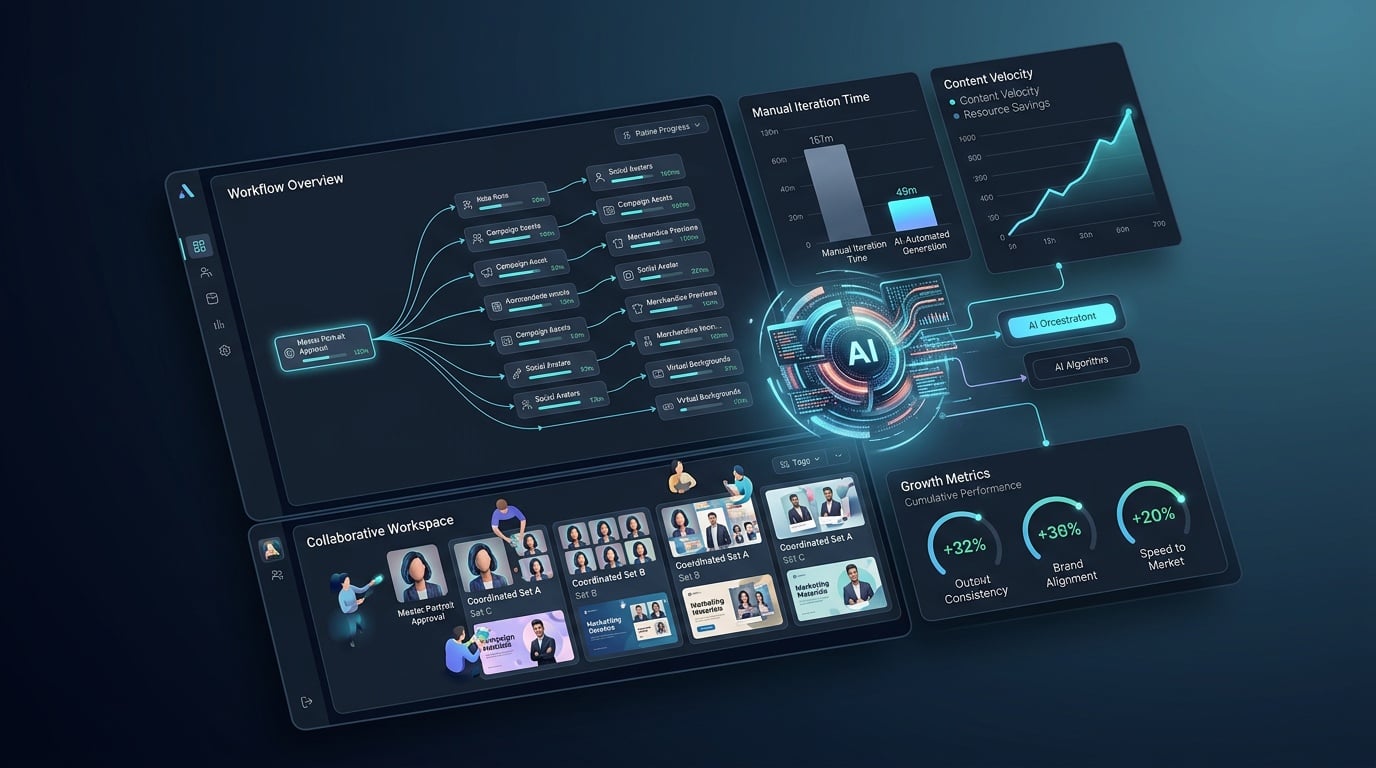
A face-generation workflow can reduce the time and cost of producing visual variations. A creative team can start with one approved portrait and create coordinated avatars, campaign images, profile assets, or concept art without arranging a separate photo session for every format. The gain is greatest when the team has a repeatable review process rather than a one-off experiment.
Content creators can maintain a recognizable character across watercolor, anime, 3D, editorial, or pixel-art treatments. A same face AI generator is more useful when the reference image stays clear and prompts describe the requested style without introducing conflicting facial details.
Businesses can apply the method to employee avatars, educational media, and campaign concepts. A real estate agency might create a recognizable agent avatar for property explainers using agentic systems for real estate. A recruitment firm could produce consistent visual characters for candidate resources with AI systems for recruitment. A hospitality company might use illustrated guest-service characters in onboarding materials. Human review still matters for brand standards, factual accuracy, and appropriate representation.
Developers can connect a face-to-many model to an upload form, customer portal, mobile application, or internal content system. Automated steps may include image validation, prompt selection, generation, moderation, storage, and delivery. Teams evaluating this integration can consider AI automation services for workflow design and implementation. Before launch, test latency, GPU costs, output dimensions, failure handling, and privacy controls. A manual demo needs additional safeguards before it handles customer images at scale.
The method also supports creative testing before a business commits budget to illustration, animation, or photography. Compare several art directions, measure the percentage of usable outputs, and calculate cost per approved asset. Research from Grand View Research projects an 18.5% compound annual growth rate for the global AI face generation market from 2023 through 2030. Replicate’s model page reported more than one million runs for the fofr/face-to-many model by early 2025, showing substantial experimentation with this category.
Responsible use sets clear limits. Obtain permission from the person shown, review the model’s usage terms, and confirm whether generated images may support commercial campaigns. Avoid deceptive impersonation, sensitive identity claims, and uses that could mislead viewers. For professional workflows, retain consent records and label synthetic media when viewers could reasonably mistake it for an authentic photograph.
How should you choose a face-generation workflow?
Choose the workflow that meets a defined business target, not the tool that produces the most dramatic preview. Set the intended use, required output quality, approval time, image volume, privacy standard, and cost per approved asset before testing. This gives a marketing or operations team a practical basis for comparing a hosted model, an API, or a broader automation project.
Start by deciding whether you need social avatars, character references, product campaigns, profile images, or an application feature. Define the required image dimensions, number of variations, turnaround time, and acceptable editing effort. A casual creator may prioritize style variety, while a marketing team needs repeatable identity, commercial permissions, predictable output, and review controls.
Test identity preservation with several source photographs rather than one ideal image. Use a clear, front-facing portrait with visible eyes, even lighting, a natural expression, and limited background clutter. Then test a three-quarter view, different expressions, and modest lighting changes. Review whether the person remains recognizable across 3D, emoji, pixel art, claymation, comic, and editorial styles. Check face shape, skin tone, hairline, eye spacing, and distinctive features. Not just clothing or background.
Style control needs separate testing. Check whether prompts can specify clothing, color palette, pose, camera angle, background, and medium without creating conflicting instructions. A useful system may offer controls for strength, aspect ratio, seed, guidance, or reference influence. Save successful prompts and settings in a versioned workflow so a team can reproduce a campaign asset and identify why an output changed.
For developers, inspect the API before committing engineering time. Confirm authentication, input formats, output URLs, model versioning, webhook support, error responses, rate limits, and retention policies. Estimate cost per completed image, including retries, moderation, storage, human review, and delivery. A pilot should measure average processing time, failed requests, usable-image rate, and cost per approved asset.
Privacy and usage rights belong in the selection criteria. Obtain consent before uploading another person’s portrait, explain how the image will be processed, and confirm deletion procedures. Review whether outputs may appear in paid advertising, client work, merchandise, or public profiles. Commercial use can involve separate restrictions for the source photograph, model output, recognizable individuals, logos, and copyrighted styles. Keep consent records and approval history with the project files.
Evaluation checklist
Pros
- Clear identity retention across multiple artistic formats
- Adjustable prompts, pose, composition, and image dimensions
- Documented API behavior, predictable billing, and version control
- Consent, deletion, moderation, and commercial-use controls
Cons
- Weak source photographs can produce inconsistent facial features
- Some styles may distort hands, hair, accessories, or clothing
- High-volume workflows require monitoring and failure handling
- Usage rights may differ between personal and business projects
Run a small acceptance test before wider deployment. Submit the same reference set across your chosen styles, have a human reviewer score recognizability and brand fit, and record the percentage of images that need editing. Connect the findings to a practical KPI, such as approved assets per hour, campaign production cost, or design-team time saved. The right plexiate face workflow meets those thresholds consistently.
Frequently Asked Questions
What is a face-to-many AI generator, and how does it work?
A face-to-many AI generator uses a reference portrait to create several images of the same person in different visual formats. The model identifies facial landmarks, proportions, expression, and other identity signals, then applies instructions for styles such as 3D character art, emoji, pixel art, claymation, illustration, or cinematic photography. The output is a new generated image, not an exact photographic duplicate. Clear lighting, visible facial features, and a mostly front-facing pose usually improve identity consistency.
How can I create multiple styles from one face photo?
Start with a high-resolution portrait that shows the eyes, face shape, hairline, and distinctive features. Upload it to a face-generation workflow, select one style at a time, and use specific prompts describing the medium, pose, clothing, background, color palette, and expression. Save the settings that produce a recognizable result. If identity changes too much between outputs, try a better reference image, reduce stylistic intensity, or use identity-control methods such as InstantID or ControlNet.
Is there a free way to use face-to-many AI?
Some services provide limited credits, demonstrations, or open-source workflows, while hosted generation typically charges according to processing use. Free access may include restrictions on resolution, queue priority, output rights, or the number of available styles. Before uploading a personal portrait, review privacy terms, image retention rules, and permitted uses. A free test is useful for judging visual quality, but production planning should include generation, storage, moderation, and review costs.
Can I use generated face images for business or commercial purposes?
Commercial use may be possible, but permission depends on the source photograph, model license, platform terms, and the rights of any recognizable person. Obtain consent before processing someone else’s image, especially for advertising, client work, merchandise, or public-facing profiles. Keep documentation for consent and approval, avoid misleading impersonation, and check whether synthetic-media disclosure is appropriate. For a business workflow, treat privacy, licensing, moderation, and brand review as part of the operating process rather than as optional checks.
What should I do if the generated face does not look consistent?
Check the source photo first. Blur, harsh shadows, sunglasses, extreme angles, and obstructed features can reduce identity retention. Use a consistent reference image, simplify the prompt, and test fewer style changes at once. Compare facial structure rather than clothing or background, since those elements may change by design. If the results remain inconsistent, use a workflow with stronger reference controls or add human editing before publishing the final asset.