

notion customer support
Navigating Notion Support: Your Direct Path to Solutions
Accessing effective notion customer support is key to resolving issues and maximizing your productivity. When you encounter a problem or have a question about your Notion workspace, knowing where to turn can save considerable time and frustration. This guide provides a clear path to finding the assistance you need for efficient Notion usage.
The most direct route to notion customer support is through the official Help Center. For more specific inquiries, direct contact options like email and a support ticket system are available. Understanding these channels helps you get help faster.
Understanding Notion’s Support Philosophy
Notion aims to empower users with self-service resources. The support approach prioritizes comprehensive documentation and community engagement, enabling users to find answers independently. For technical challenges or specific account questions, direct support is readily accessible.
Locating the Official Notion Help Center
The Notion Help Center is your primary resource. You can access it directly by visiting notion.so/help. You will find a large library of articles, FAQs, and guides covering topics from basic setup to advanced features. This is the first place to look for answers to common questions related to notion customer support.
Direct Contact Options: Email, Chat, and Tickets
When self-service resources do not provide a solution, Notion offers direct contact methods. Users can submit a notion support ticket through the Help Center, which is often the most efficient way to describe an issue. For urgent matters, a notion support chat option may be available depending on your subscription tier and current availability. A notion customer support email option is also available for inquiries that do not fit the ticket workflow.
Beyond the Help Desk: Advanced Notion Support Strategies

While the official channels are excellent for direct assistance, exploring Notion’s broader ecosystem can uncover additional avenues and proactive solutions. These methods can help you overcome challenges more effectively and optimize your use of the platform.
Using the Notion Community Forums
The Notion community is a powerful resource. Online forums and unofficial user groups are active spaces where users share tips, templates, and solutions to common problems. Engaging with the community can provide unique perspectives and workarounds that may not appear in official documentation.
When to Escalate: Specific Scenarios for Direct Support
Direct channels are best reserved for issues that cannot be resolved through the Help Center or community. This includes critical bugs affecting your workflow, account access problems, or complex billing inquiries. In these situations, initiating a notion support ticket or using notion live support, when available, helps ensure the issue receives official attention.
Proactive Support: Maximizing Notion’s Built-in Resources
To minimize the need for notion customer support, familiarize yourself with Notion’s features early. Use tutorials, explore template galleries, and test new functionality in a safe workspace. A well-organized workspace prevents many common issues.
Optimizing Your Business Operations with Notion: A Vynta AI Perspective
Efficient notion customer support helps individuals stay productive. At Vynta AI, our AI Automation Services help teams reduce manual work across operations so they can focus on growth and delivery instead of repetitive administration.
Notion as a Foundation for Internal Workflows
Many businesses use Notion as a central hub for project management, knowledge bases, and collaboration. Its flexibility makes it a strong platform for structuring internal processes. As operations scale, complex setups and consistent data flow can become harder to manage, which is often where automation and integration work makes the biggest difference.
AI Automation’s Role in Streamlining Notion Usage
Our AI Automation Services can integrate with platforms like Notion to automate repetitive tasks, reduce manual data entry, and generate reports. This frees your team’s time and reduces errors. We build custom AI agents and automations that execute workflows reliably, which addresses operational needs beyond the scope of standard notion customer support.
Vynta AI’s Impact
We build custom AI agents and automation systems that improve efficiency across industries such as real estate, recruitment, fundraising, and hospitality. We also provide system integration services to connect tools, keep data in sync, and reduce silos.
Measuring the ROI of Efficient Business Tools
Implementing automation can resolve operational bottlenecks and create measurable outcomes. With analytics, anomaly detection, and AI-generated recommendations, teams can track performance and identify opportunities for continuous improvement.
Addressing Common Notion Support Roadblocks and Billing Inquiries
Navigating specific issues within Notion, especially billing and technical glitches, can create friction. Understanding the right channels for these concerns helps you get accurate assistance and makes notion customer support more effective.
Common Technical Glitches and Troubleshooting
Users may encounter sync errors, permission problems, or unexpected behavior in a workspace. Start with the Help Center’s troubleshooting guides. If problems persist, submit a notion support ticket with clear steps to reproduce the issue, screenshots, and relevant device or browser details.
Navigating Billing and Subscription Support Channels
Billing and subscription inquiries, including plan changes or payment issues, are routed through dedicated flows to support data security and accuracy. You can often manage subscription details in account settings. If you need assistance, contact Notion through the billing support process, typically via a support ticket.
Account Management and Security-Related Issues
For account security, password resets, and user management, use official support channels. If you suspect unauthorized access or need to report a security issue, contact notion customer support through official support options to protect your workspace.
Verdict and Future Considerations for Notion Users
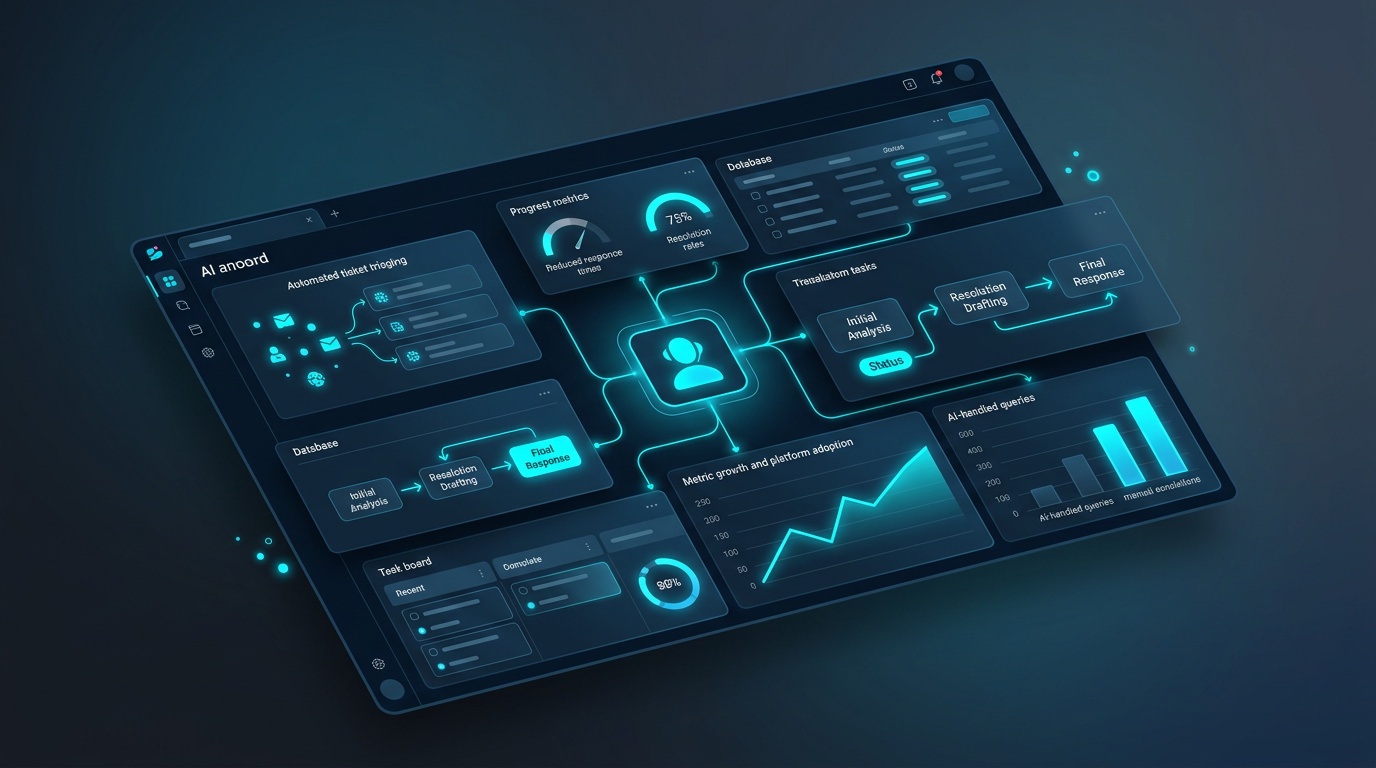
Using notion customer support effectively is a layered process: start with self-service resources, then move to direct contact when needed. Proactive use of Notion’s features and the user community can reduce how often you need to open a ticket.
Pros
- Comprehensive Help Center for fast answers.
- Direct contact options for complex issues.
- Active community forums for peer-to-peer troubleshooting.
- Proactive use reduces reliance on support.
Cons
- Response times can vary for direct support.
- Community solutions are not always official.
- Locating the right contact option can take time.
AI is increasingly used in support experiences to speed up triage and surface relevant answers. If you want to improve operational efficiency beyond tool-level support, Vynta AI’s AI Automation Services can help you automate workflows and connect systems so your teams spend less time on manual coordination and more time on execution.
Frequently Asked Questions
Why might users face challenges with Notion, and how can support help?
Notion is a powerful tool, but as businesses scale, managing complex setups and ensuring consistent data flow can become challenging. Efficient Notion customer support, combined with proactive strategies like AI automation, can resolve these operational bottlenecks. This allows teams to focus on growth and delivery rather than repetitive administration.
Does Notion offer phone support for customer inquiries?
Notion primarily directs users to its digital support channels for assistance. These include the official Help Center, email, and a support ticket system. Direct phone support is not a standard offering for Notion customer inquiries.
Is Notion chat support available for urgent issues?
Yes, Notion may offer a chat support option for urgent matters. Its availability often depends on your specific subscription tier and the current support team capacity. This channel provides a quicker path to assistance when self-service resources are insufficient.
What is the best way to get help for common Notion questions?
The most direct route for common Notion questions is the official Notion Help Center, accessible at notion.so/help. It hosts an extensive library of articles, guides, and FAQs covering everything from basic setup to advanced features. This is designed as your first stop for self-service solutions.
When should I use Notion's direct support options, like submitting a ticket?
Direct support channels, such as submitting a Notion support ticket, are best reserved for issues that cannot be resolved through self-service or community forums. This includes critical bugs affecting your workflow, account access problems, or complex billing inquiries that require specific attention.
How can Vynta AI help businesses optimize their Notion usage?
At Vynta AI, our AI Automation Services integrate with Notion to streamline operations beyond standard customer support. We automate repetitive tasks, reduce manual data entry, and generate reports, freeing your team to focus on strategic initiatives. This addresses the complexities that arise as businesses scale their Notion usage.