

automation workflow
What Is an Automation Workflow?
An automation workflow is a sequence of tasks triggered by specific conditions and executed automatically without manual intervention. Picture this: a lead fills out a form at 2 AM. The workflow instantly logs them in your CRM, sends a personalized email, notifies your sales team, and schedules a follow-up call. All before you’ve had your morning coffee.
Core Components of Automation Workflows
Every workflow contains three fundamental elements: triggers (events that start the process), actions (tasks performed automatically), and conditions (logic that determines which path to follow). A recruitment workflow might trigger when a candidate applies, extract skills from their resume using AI, score fit against job requirements, and route qualified candidates to hiring managers while sending personalized feedback to others.
How AI Changes Traditional Automation
Traditional automation follows rigid rules you program in advance. AI automation understands intent, processes natural language, and makes judgment calls. When a real estate lead emails asking about “family-friendly neighborhoods with good schools,” an AI workflow interprets the context, searches your property database for matching criteria, and generates a personalized response with listings that actually fit. No human sorting required. Vynta AI Automation Services build these intelligent workflows to handle complex decision-making that previously required human expertise.
Common Misconceptions in Business Settings
Reality Check: Automation workflows don’t eliminate jobs. They eliminate repetitive tasks. Your team shifts from data entry and email responses to strategic work like closing deals and building relationships.
Many business owners think automation requires extensive technical knowledge or works only for large enterprises. Wrong on both counts. Modern platforms like n8n offer visual workflow builders that require zero coding. Mid-market companies often see faster ROI because they’ve got enough volume to justify automation but lack the headcount to scale manually. A boutique hotel processing 50 reservations weekly loses 15 hours to confirmation emails and upsell opportunities–work a workflow handles automatically.
Key Benefits of Automation Workflows for Mid-Market Businesses
Time Savings and Cost Reduction Metrics
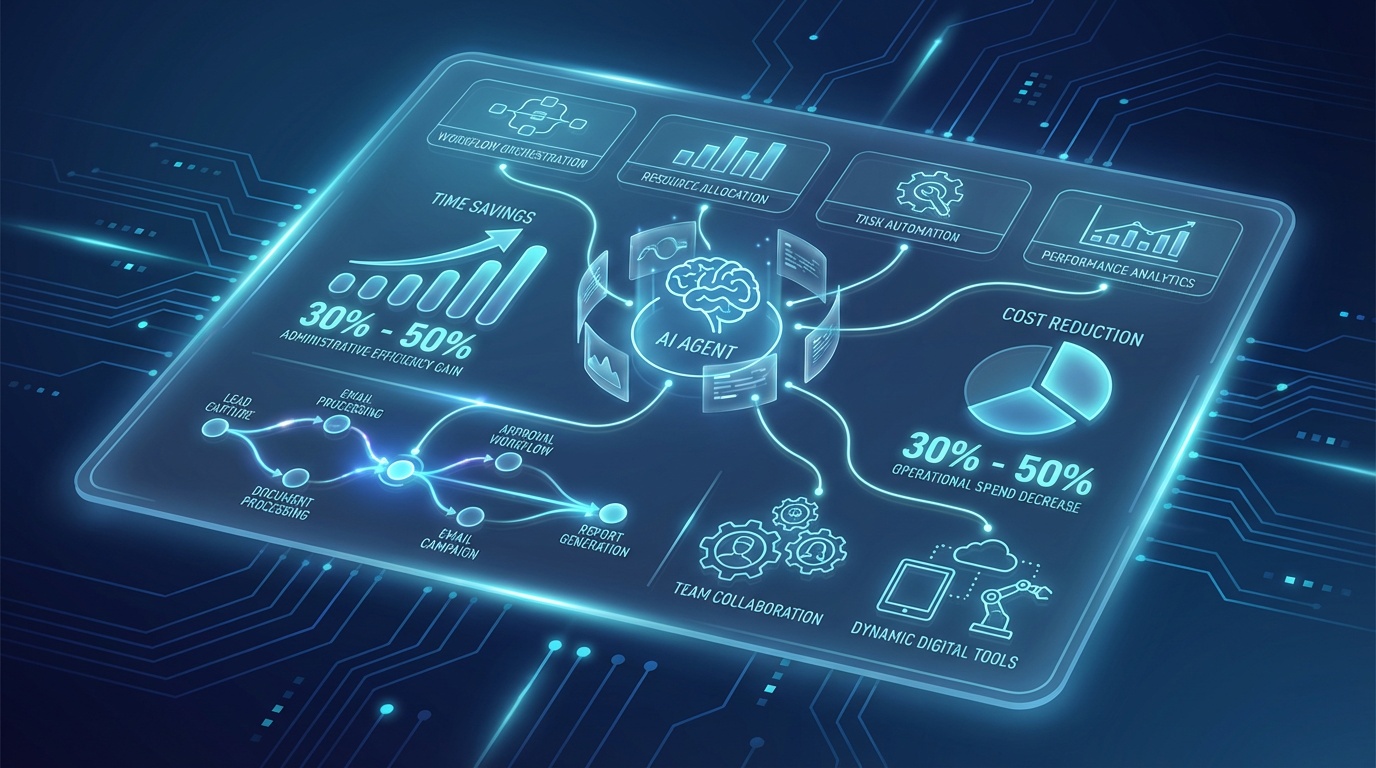
Businesses implementing workflow automation report 30% to 50% reductions in time spent on administrative tasks. A recruitment agency screening 200 candidates monthly saves 40 hours by automating resume parsing, initial qualification, and interview scheduling. That’s $2,000 to $3,000 monthly in labor costs redirected toward candidate relationship building and client acquisition. Fundraising organizations automate investor outreach sequences, reducing manual email work from 20 hours to 2 hours per campaign while increasing response rates by 25%. For organizations focused on fundraising, the AI-Powered Fundraising Platform significantly boosts outreach efficiency.
Scalability Without Headcount Growth
Here’s where it gets interesting. A real estate agency handling 50 leads monthly can jump to 200 leads without hiring additional qualification staff. Automation workflows process inquiries 24/7, respond within seconds, and maintain consistent quality regardless of volume. One hospitality client increased reservation capacity by 40% while keeping the same front-desk team by automating booking confirmations, pre-arrival communications, and post-stay reviews through Vynta AI Agents for Hospitality.
Improved Accuracy and Decision-Making
Pros
- Eliminates human data entry errors that corrupt CRM systems
- Ensures consistent follow-up timing, preventing lost opportunities
- Captures every interaction automatically for complete audit trails
- Applies scoring models uniformly across all leads or candidates
Cons
- Initial setup requires accurate mapping of current processes
- Poor workflow design amplifies bad processes at scale
- Requires ongoing monitoring to catch edge cases
AI-powered workflows analyze patterns humans miss. Which lead sources convert best? Which email subject lines drive opens? Which candidates match job requirements most closely? This intelligence feeds back into your strategy, creating continuous improvement loops that compound over time. To better understand the impact of robotic automation in business processes, many consult resources like Robotic Process Automation.
Automation Workflow Examples in Real Estate, Recruitment, Fundraising, and Hospitality
Real Estate: Lead Qualification and CRM Automation
When a potential buyer submits an inquiry through your website, an AI workflow instantly captures contact details, property preferences, and budget range. The system scores the lead based on readiness indicators like financing status and timeline, then routes high-priority prospects to your top agents within minutes while nurturing cooler leads with automated property-match emails. One agency increased lead conversion by 25% by ensuring every inquiry received a personalized response within five minutes, regardless of when it arrived. The workflow also logs interactions in your CRM, tracks email opens and property page views, and triggers follow-up tasks when leads show renewed interest. Learn how Agentic Systems for Real Estate streamline this process.
Recruitment: Candidate Screening and ATS Integration
A recruitment workflow transforms how you process applications. When candidates apply, AI extracts skills, experience, and qualifications from resumes in any format, matches them against job requirements, and generates compatibility scores. Qualified candidates automatically receive interview invitations with calendar links, while the system sends personalized feedback to others. The workflow updates your ATS in real time, notifies hiring managers of top matches, and schedules screening calls without human coordination. Agencies report reducing time-to-hire by 40% while improving candidate quality because AI consistently applies the same evaluation criteria across hundreds of applications. Explore how Agentic Systems for Recruitment enhance these capabilities. The economic benefits of generative AI in productivity gains, including recruitment automation, are outlined in detail in the economic potential of generative AI.
Fundraising: Investor Outreach and Campaign Tracking
Fundraising workflows automate the investor engagement cycle. The system segments your investor database by interest areas, check size, and past engagement, then launches personalized outreach sequences. When an investor opens your pitch deck or clicks a link, the workflow triggers timely follow-ups and alerts your team to warm leads. AI generates customized email content referencing each investor’s portfolio and thesis, making mass outreach feel personal. Organizations using these workflows see 30% higher response rates and close funding rounds 20% faster because opportunities don’t fall through communication gaps.
Hospitality: Reservation Management and Upsell Opportunities
| Workflow Stage | Automated Actions | Business Impact |
|---|---|---|
| Booking Confirmation | Instant confirmation email, payment processing, calendar sync | Zero delay, 100% accuracy |
| Pre-Arrival | Room upgrade offers, activity recommendations, special requests capture | 15% to 20% upsell conversion |
| During Stay | Automated check-in instructions, concierge recommendations, issue alerts | Improved guest satisfaction |
| Post-Stay | Review requests, loyalty program enrollment, return-visit promotions | 25% higher repeat bookings |
Hospitality workflows handle the guest journey with minimal manual intervention. A boutique hotel automatically sends pre-arrival emails three days before check-in, offering room upgrades and restaurant reservations. During stays, the system monitors for issues like late checkouts or service requests and alerts staff immediately. After departure, guests receive personalized thank-you messages and review invitations timed for strong response rates. This creates consistent, high-touch experiences while freeing your team to focus on in-person service that requires human warmth.
How to Build an AI Workflow: Step-by-Step Guide
Map Your Current Processes
Start by documenting one repetitive process from start to finish. Choose something with clear triggers and outcomes, like lead intake or candidate screening. Write down every step your team performs manually: receiving the inquiry, entering data in your CRM, sending acknowledgment emails, assigning items to team members, and scheduling follow-ups. Identify decision points where humans make judgment calls based on information in the request. This mapping reveals which tasks automation can handle and where AI decision-making adds value. Most businesses discover that 60% to 70% of process steps don’t require human creativity.
Select Tools and Integrations Like n8n
Platforms like n8n provide visual workflow builders that connect your existing systems without coding. You drag and drop nodes representing your email platform, CRM, calendar, and databases, then define how data flows between them. Choose tools that integrate with your current tech stack instead of forcing system changes. Vynta AI Automation Services handles integration complexity, connecting platforms like Salesforce, HubSpot, Gmail, and Slack while building custom AI components that interpret emails, score leads, or generate personalized responses.
Test, Deploy, and Measure Results
Run your workflow in test mode with sample data before processing real inquiries. Confirm that triggers fire correctly, data maps to the right fields, and conditional logic routes items accurately. Start with a small subset of volume and monitor daily for errors or edge cases the workflow doesn’t cover. Track specific metrics: response-time improvement, conversion-rate changes, hours saved per week, and error reduction. After two weeks of stable performance, scale to full volume while continuing to monitor. Successful workflows often show measurable improvements within 30 days.
Free Workflow Diagram Template Download
Implementation Tip: Document your workflow visually before building it. A simple flowchart showing triggers, decision points, and actions helps identify gaps and ensures your team understands the new process. The diagram also serves as a blueprint during development and as training documentation.
Overcoming Challenges in Automation Workflow Adoption

Addressing Integration and Data Concerns
The biggest implementation hurdle? Connecting disparate systems that weren’t designed to work together. Your CRM, email platform, calendar, and industry-specific tools may use different data formats and authentication methods. Clean data matters equally since automation amplifies data quality issues. A workflow processing leads with inconsistent formatting or duplicate entries produces flawed results at scale. Address this by auditing your data before automation, establishing input validation rules, and using AI to standardize formats during processing.
Measuring Success with KPIs in Your Industry
Define success metrics before launching workflows. Real estate agencies track lead response time, qualification accuracy, and conversion rates. Recruitment firms measure time-to-fill, candidate quality scores, and interview-to-hire ratios. Fundraising organizations monitor outreach volume, response rates, and meeting conversion. Hospitality businesses focus on booking confirmation speed, upsell acceptance, and guest satisfaction scores. Establish baseline measurements for these KPIs, then compare performance monthly. Effective workflows often show 20% to 40% improvements in efficiency metrics within the first quarter.
Why Vynta AI Delivers Results Without Complexity
Mid-market businesses need automation that works within weeks, not months of configuration. Vynta AI Automation Services design, build, and deploy custom workflows tailored to your specific processes and systems. The service includes discovery and assessment to map your workflows, expert implementation that connects your existing tools, and ongoing optimization as your business evolves. You get sophisticated automation without hiring AI specialists or learning technical platforms. Clients typically see positive ROI within 60 days because workflows start delivering value quickly while your team focuses on revenue-generating activities. Recent research on automation adoption and productivity confirms these findings in rigorous economic analysis (NBER Working Paper).
Pros
- Custom workflows designed for your specific industry processes
- Expert implementation that connects existing systems without disruption
- Ongoing optimization that adapts to changing business needs
- No internal AI expertise or technical staff required
Cons
- Requires accurate process documentation during the discovery phase
- Initial investment can be higher than generic automation tools
- Best suited for businesses with consistent volume and repeatable processes
Future-Proofing Your Automation Strategy
The automation workflow category evolves rapidly as AI capabilities expand. Businesses that start now build advantages that compound over time. Early workflows capture operational data that trains more capable models, creating a cycle of continuous improvement. The strongest mid-market teams treat automation as an ongoing capability, not a one-time project.
Start with one high-impact process rather than attempting comprehensive automation immediately. A real estate agency might begin with lead qualification, a recruitment firm with resume screening, a fundraising organization with investor outreach, or a hotel with reservation management. Master that workflow, measure results, then expand to adjacent processes. This phased approach builds team confidence and demonstrates ROI before larger investments.
The businesses thriving five years from now will be those that augmented their teams with intelligent automation. Your competitors are either already implementing these systems or will be soon. The question isn’t whether to automate. It’s how quickly you can deploy workflows that free your team to focus on relationships, strategy, and growth activities that require human judgment and creativity.
Frequently Asked Questions
What is an automated workflow?
An automation workflow is a sequence of tasks that execute automatically when specific conditions are met, eliminating manual intervention. It acts like a digital assembly line, ensuring processes like lead logging, email sending, and team notifications happen instantly. While traditional automation follows rigid rules, AI-powered workflows can interpret data and adapt to context, making intelligent decisions.
What are examples of workflow automation?
In real estate, an AI workflow can instantly qualify leads, match properties, and schedule viewings after an inquiry, increasing conversion rates. For recruitment, it can parse resumes, score candidates, and route qualified applicants to hiring managers, saving significant time. Hospitality businesses use automation for booking confirmations, pre-arrival communications, and post-stay reviews, improving guest experience and capacity. These examples show how automation streamlines operations across various mid-market sectors.
How can businesses build an automation workflow?
Building an automation workflow involves defining triggers, actions, and conditions that guide the process. Modern platforms often provide visual builders that require no coding, making it accessible for mid-market companies. At Vynta AI, we specialize in designing and implementing intelligent workflows tailored to specific business needs, ensuring they connect seamlessly across systems like CRM and email. This allows businesses to automate complex decision-making and scale operations efficiently.
What are the core components of any automation workflow?
Every automation workflow is built upon three fundamental elements: triggers, actions, and conditions. Triggers are the events that initiate the workflow, such as a form submission or an email received. Actions are the automated tasks performed, like sending an email or updating a database. Conditions provide the logic, determining which path the workflow follows based on specific criteria.
How do AI-powered workflows differ from traditional automation?
Traditional automation follows predefined, rigid “if-then” rules that you program in advance. AI-powered workflows, however, possess the ability to understand intent, interpret unstructured data, and make judgment calls based on context. For example, an AI workflow can interpret a natural language inquiry about “family-friendly neighborhoods” and generate a personalized response with relevant listings. This intelligence allows for more adaptive and human-like decision-making, removing bottlenecks that previously required manual human expertise.