
Key Takeaways
- Automating workflows requires demonstrable value to justify the transition from manual processes.
- Mid-market businesses need specific KPI frameworks to measure AI automation impact.
- Clear metrics are essential to link AI workflow automation to financial outcomes.
- Industry-specific KPIs help translate AI benefits into tangible business results.
Table of Contents
- Why Mid-Market Businesses Need AI Workflow Builders Now
- What Is an AI Workflow Builder and How Does It Differ from Traditional Automation?
- Industry-Specific Workflow Automation: Where AI Makes the Revenue Impact
- Building Your First AI Workflow: A Practical Framework
- Key Features Every AI Workflow Builder Should Have
- Integration Patterns: Connecting Workflows to Your Existing Systems
- Measuring Workflow ROI: From Implementation to Ongoing Impact
- Common Challenges and How AI Workflows Solve Them
- Implementation Timeline and Resource Requirements
Why Mid-Market Businesses Need AI Workflow Builders Now
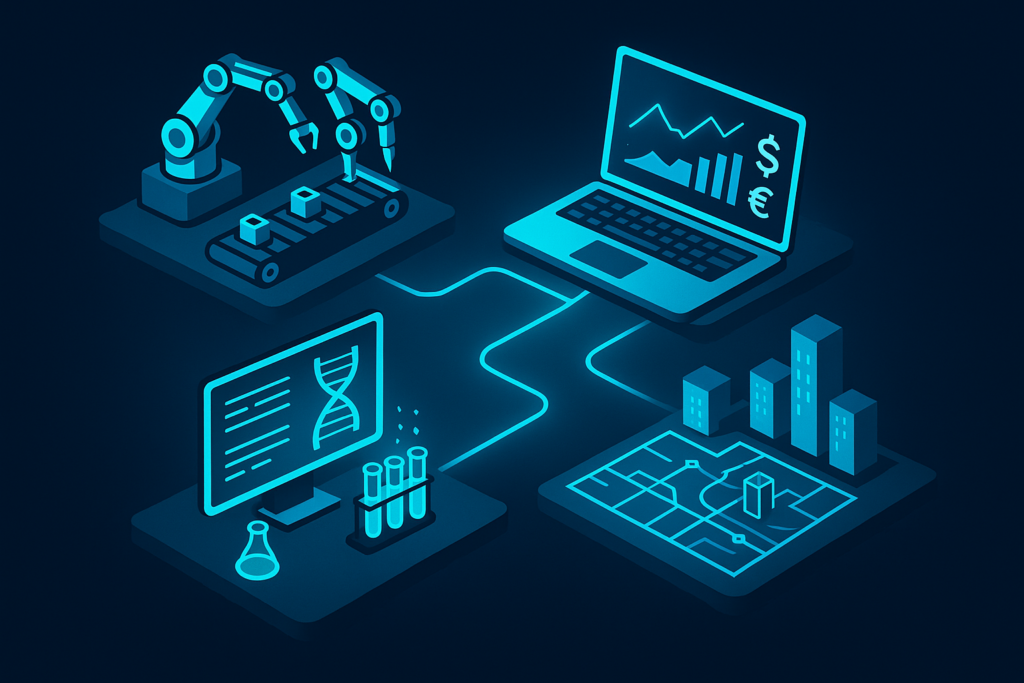
The automation gap between enterprise and SME capabilities is rapidly closing, but most mid-market businesses still handle critical revenue-generating processes manually. Real estate agents spend hours qualifying leads, recruitment teams screen hundreds of CVs weekly, fundraising organizations struggle to systematically nurture investor pipelines, and hospitality managers juggle reservations and guest communications across multiple channels.
AI workflow builders bridge this gap by delivering enterprise-grade automation without enterprise complexity or cost. Unlike traditional automation that follows rigid if-then rules, these platforms use large language models to make nuanced decisions, adapt to context, and handle the variability that defines real business environments. For mid-market SMEs in real estate, recruitment, fundraising, and hospitality, this means transforming high-volume, repetitive tasks into automated workflows that augment human expertise rather than replace it.
The fastest ROI comes from industry-specific implementations: lead qualification and property matching in real estate, candidate screening and interview scheduling in recruitment, investor profiling and outreach automation in fundraising, and guest experience optimization with revenue maximization in hospitality. Each vertical has unique data patterns, decision trees, and success metrics that generic automation tools simply can’t address effectively.
What Is an AI Workflow Builder and How Does It Differ from Traditional Automation?

Beyond Simple Automation: AI-Native Decision Making
Traditional automation breaks when scenarios don’t fit pre-defined conditions. AI workflow builders use LLMs and machine learning to interpret data, recognize patterns, and make contextual decisions in real-time. A real estate workflow doesn’t just route leads—it analyzes buyer intent signals from email content, website behavior, and form responses to prioritize warm prospects and surface high-probability matches.
The key differentiator is adaptive intelligence. Where traditional automation fails with edge cases, AI workflows evaluate context and make nuanced decisions. A recruitment workflow encountering a candidate with non-traditional experience doesn’t auto-reject—it assesses transferable skills and flags promising profiles for human review.
Core Components That Make AI Workflows Powerful
Trigger points initiate workflows from real business events: incoming emails, form submissions, calendar bookings, or CRM updates. Decision nodes use natural language understanding to evaluate conditions—analyzing lead quality, candidate fit, investor intent, or guest preferences without rigid rule sets.
Integration nodes connect seamlessly to existing systems (CRM, ATS, PMS, communication platforms) without data silos, while human-in-the-loop checkpoints maintain approval gates and escalation protocols that keep human expertise central to high-value decisions.
Why No-Code Matters for Mid-Market Teams
Implementation timelines compress from months to weeks when operations managers and team leads can design workflows without developer dependencies. Non-technical users build and modify automation based on real business feedback, enabling faster iteration and continuous improvement that matches the pace of business change.
Industry-Specific Workflow Automation: Where AI Makes the Revenue Impact
Real Estate: Lead Qualification and Property Matching at Scale
Real estate agents spend 4-6 hours daily on lead qualification, property research, and buyer-seller matching. AI workflow builders analyze incoming leads in real-time, extract buyer preferences (location, price range, property type), match against active listings, and surface highest-probability opportunities within minutes of initial contact.
Agencies reduce lead qualification time by up to 70%, increase qualified pipeline volume, reactivate dormant accounts, and improve response times from hours to minutes. Implementation takes 4-6 weeks with full CRM integration (Salesforce, MLS systems), covering inbound lead capture, multi-criteria property matching, automated follow-up sequencing, and performance tracking for lead-to-close rates.
Recruitment: End-to-End Candidate Automation
Recruitment teams manually screen CVs, schedule interviews, and coordinate communications across multiple candidates and stakeholders. AI workflows screen candidate profiles against job requirements, extract relevant experience, identify red flags or standout qualifications, and auto-schedule interviews with calendar optimization across time zones.
Firms cut screening hours in half, improve candidate matching accuracy, reduce time-to-hire, and eliminate scheduling conflicts. The 3-5 week implementation includes ATS integration (Greenhouse, Lever, Workable), resume parsing, skills-to-role matching with weighted criteria, interview automation, and time-to-hire tracking with bottleneck identification.
Fundraising: Investor Outreach and Donor Qualification
Fundraising teams struggle to systematically identify, prioritize, and nurture high-potential investors across fragmented prospect lists. AI workflows profile investors based on previous funding patterns, portfolio alignment, and engagement history, then personalize outreach at scale and automate follow-up cadences based on response signals.
Organizations triple investor touchpoints, accelerate investor matching, increase funding success rates, and secure new investments faster. The 4-8 week implementation spans investor profile enrichment, pitch personalization, multi-channel outreach sequencing, engagement scoring, and donation conversion tracking. For more details on tailored solutions, see fundraising outreach and donor qualification.
Hospitality: Guest Experience Optimization and Revenue Maximization
Hotel and restaurant teams juggle reservations, guest communications, upselling opportunities, and service recovery across multiple channels. AI workflows analyze guest profiles and stay history, automatically surface upselling opportunities (room upgrades, packages, dining reservations), handle service recovery communications, and personalize pre-arrival outreach.
Hospitality brands lift guest satisfaction scores by double digits, increase revenue per guest (RevPAR), reduce no-shows, and improve staff efficiency by 20+ hours weekly. Implementation takes 4-6 weeks with property management system integration, covering guest analysis, intelligent upselling, pre-arrival personalization, service recovery automation, and revenue optimization reporting.
Building Your First AI Workflow: A Practical Framework
The key to successful AI workflow implementation lies in starting with high-impact processes that directly affect revenue metrics. Mid-market teams often struggle with where to begin, but the most effective approach focuses on mapping existing bottlenecks before designing automation solutions.
Phase 1: Map Your High-Impact Process
Start with processes that meet three criteria: high volume (10+ occurrences weekly), direct revenue impact, and significant manual dependency. Real estate teams typically identify lead qualification as their primary target—from web form submission through first agent contact. This single workflow can compress response times from hours to minutes while improving qualification accuracy.
Document your current process visually, noting every touchpoint, system interaction, and delay point. A recruitment firm might map their candidate screening workflow: resume receipt → initial review → skills assessment → interview scheduling → feedback collection. Each step represents an automation opportunity where AI can augment human decision-making rather than replace it.
Phase 2: Design Workflow Architecture Without Code
Modern AI workflow builders use natural language processing to translate business logic into executable automation. Start by describing your ideal process in plain English: “When a qualified lead submits our contact form, the system should extract their property preferences, match against active listings, rank by probability, and route to the most suitable agent.”
The workflow canvas maps four node types: input nodes (data entry points), decision nodes (AI-powered evaluation), action nodes (system integrations), and output nodes (success measurement). A hospitality workflow might trigger on reservation confirmation, analyze guest history for upselling opportunities, automatically offer relevant upgrades, and track conversion rates for revenue optimization.
Phase 3: Integrate, Test, Deploy, and Iterate
Integration connects workflows to existing systems through pre-built connectors or APIs, eliminating the need for system replacement. Testing with historical data validates accuracy before production launch—a fundraising workflow should demonstrate improved investor matching before handling live outreach campaigns.
Deployment includes user permissions, approval checkpoints, and monitoring dashboards that track business KPIs rather than technical metrics. The most successful implementations establish continuous improvement cycles, refining decision logic based on real conversion rates, placement times, or guest satisfaction scores.
Key Features Every AI Workflow Builder Should Have
Evaluating AI workflow builders requires understanding which capabilities directly impact business outcomes versus technical features that sound impressive but don’t drive results. Mid-market teams need solutions that balance sophistication with practical implementation requirements.
| Feature Category | Business Impact | What to Look For |
|---|---|---|
| No-Code Interface | Empowers operations teams to design workflows without developer dependencies, reducing implementation timelines from months to weeks | Visual canvas, drag-and-drop logic, real-time preview capabilities |
| Industry-Specific Templates | Pre-built workflows for real estate lead qualification, recruitment screening, fundraising outreach, hospitality upselling | Vertical-specific decision trees, compliance frameworks, integration patterns |
| Multi-Step AI Agents | Handles complex decision-making across multiple workflow stages with context retention and adaptive responses | Branching logic, looping capabilities, memory across workflow steps |
| Human-in-the-Loop Controls | Maintains quality and compliance while scaling automation, keeping human expertise central to customer relationships | Approval gates, review queues, escalation protocols, audit trails |
| Performance Analytics | Tracks business KPIs like lead conversion rates, time-to-hire, donor retention, guest satisfaction rather than technical metrics | Real-time dashboards, ROI reporting, workflow success tracking |
| Enterprise Integrations | Seamless connectivity to CRM, ATS, PMS, and communication platforms without data silos or manual data entry | 500+ pre-built connectors, API flexibility, real-time data sync |
The most critical feature for mid-market success is workflow versioning with A/B testing capabilities. This allows teams to safely iterate on automation logic, comparing performance between workflow versions and rolling back changes that don’t improve business outcomes. For a deeper dive into best practices, you might find services that support AI workflow implementation helpful.
Integration Patterns: Connecting Workflows to Your Existing Systems
AI workflow builders excel when they enhance existing technology stacks rather than requiring system replacement. The most effective integration patterns create seamless data flow between platforms while maintaining single sources of truth for customer information.
Seamless Data Flow Without Rip-and-Replace
Modern AI workflow builders integrate with existing CRM systems (Salesforce, HubSpot), ATS platforms (Greenhouse, Lever), property management systems, and donor databases through native connectors and APIs. These integrations read data in real-time, enrich it with AI-powered insights, and write results back to source systems without disrupting current operations.
A hospitality workflow exemplifies this approach: it reads guest profiles from the property management system, analyzes booking patterns and preferences, triggers personalized upselling opportunities, and logs conversion results back to the PMS. The entire process enhances existing data without requiring staff to learn new systems or migrate historical information.
Building Workflows Across Multiple Systems
Complex business processes span multiple platforms, and effective AI workflow builders orchestrate these interactions seamlessly. A comprehensive real estate lead workflow might capture initial interest from a web form (Typeform), enrich prospect data via external APIs, update CRM records (Salesforce), and coordinate communications across multiple channels. For more on integration strategies, see this authoritative overview of APIs.
Measuring Workflow ROI: From Implementation to Ongoing Impact
The transition from manual processes to automated workflows demands measurable proof of value. Mid-market businesses need clear KPI frameworks that translate AI automation into bottom-line results across their specific verticals.
Business KPIs That Matter Across Verticals
| Vertical | Primary KPI | Secondary Metrics | Success Timeline |
|---|---|---|---|
| Real Estate | Lead-to-close rate improvement; lead qualification time (target: 70% reduction) | Qualified pipeline volume, response time to leads, reactivated accounts | 30-90 days |
| Recruitment | Time-to-hire reduction; screening efficiency (target: 50% time saved) | Candidate match quality, interview scheduling conflicts eliminated, placements per recruiter | 30-90 days |
| Fundraising | Investor touchpoint volume (target: 3x increase); donor conversion rate improvement | Funding success rate, investor meeting acceleration, pipeline value | 60-120 days |
| Hospitality | Guest satisfaction score increase; revenue per guest (RevPAR) lift | No-show reduction, upsell conversion rate, staff hours saved weekly | 30-90 days |
Track workflow cost-per-execution by calculating labor hours saved multiplied by hourly rate. Monitor adoption rates—how many team members actively use workflows and create new automation sequences. Establish continuous improvement cycles based on month-over-month performance data rather than one-time implementation metrics. For further reading, this McKinsey report on automation potential offers valuable insights.
Common Challenges and How AI Workflows Solve Them
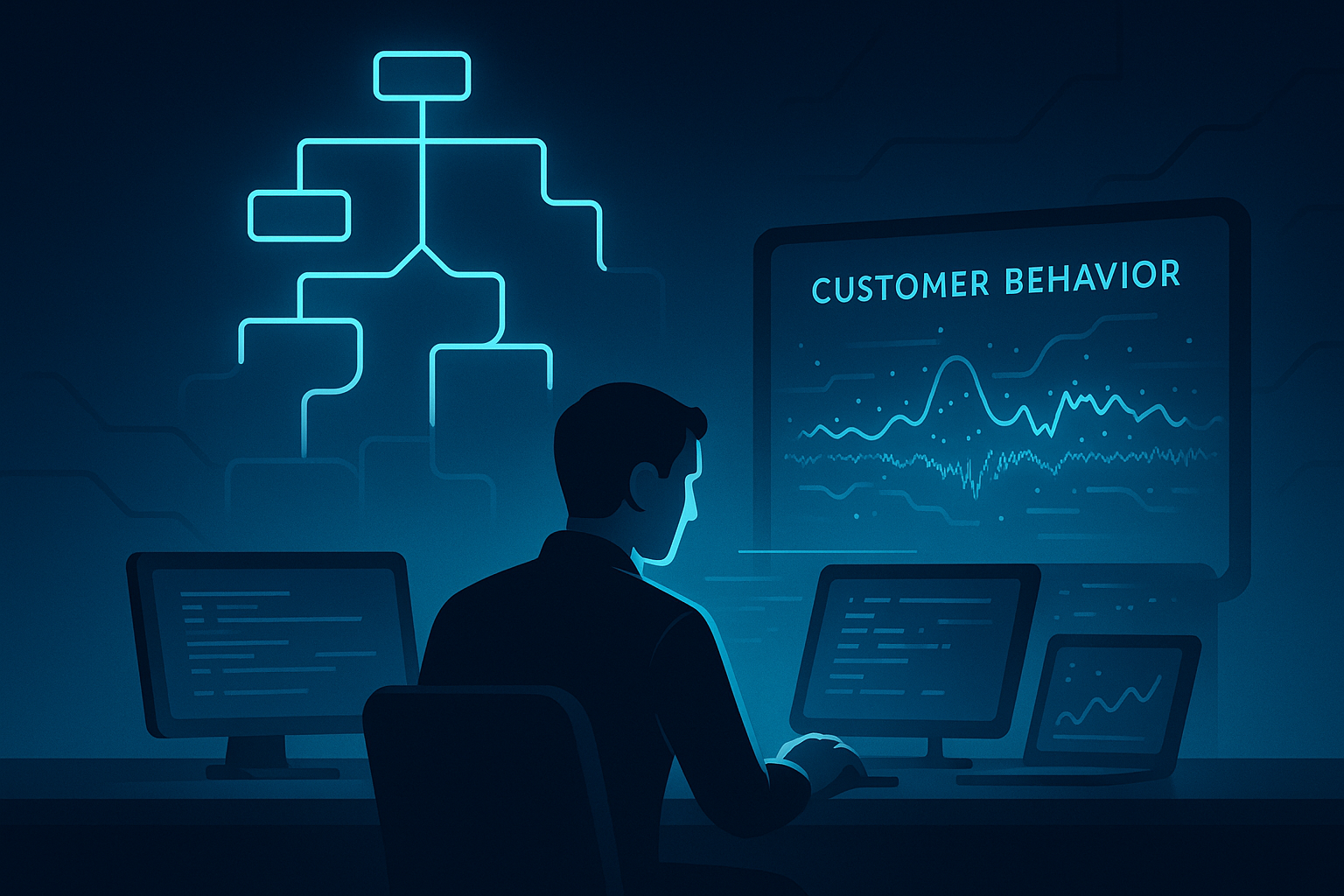
Traditional automation approaches create rigid bottlenecks that break under real-world complexity. Modern ai workflow builder platforms address these limitations through adaptive intelligence and contextual decision-making.
Challenge: Unpredictable Customer Behavior and Complex Decision Trees
Rules-based automation fails when customer scenarios don’t fit pre-defined conditions. A recruitment workflow encountering a candidate with non-traditional experience can evaluate transferable skills using LLM-powered decision nodes rather than auto-rejecting based on rigid criteria. This contextual evaluation maintains consistency while adapting to variations in customer behavior and intent signals.
Challenge: Manual Processes Scale Poorly; Hiring to Match Volume Is Expensive
Linear scaling models break profitability when volume increases demand proportional headcount growth. AI workflows scale horizontally without corresponding cost increases—one hospitality workflow handles 500+ concurrent reservations during peak season. Teams save 20+ hours weekly per member, redirecting human effort toward high-value customer relationship building rather than repetitive processing tasks.
Challenge: Data Silos Prevent Holistic Customer View
Disconnected systems prevent unified customer understanding across CRM, email platforms, booking systems, and communication tools. Workflows unify data streams into single decision-making hubs through enrichment steps that pull intelligence from multiple sources. Real estate workflows combine MLS data, CRM lead sources, website analytics, and email engagement into comprehensive buyer profiles that inform qualification decisions.
Challenge: Ensuring Compliance, Quality, and Brand Voice in Automated Communications
Automation concerns center on depersonalization risks and compliance violations. Human-in-the-loop controls establish approval checkpoints for high-value actions while maintaining audit trails for regulatory requirements. Fundraising workflows auto-personalize investor outreach but require senior fundraiser approval before sending, logging all communications for compliance documentation.
Implementation Timeline and Resource Requirements
Realistic deployment expectations prevent over-commitment and ensure adequate resource allocation for successful ai workflow builder implementation across mid-market teams.
Discovery & Planning (1-2 weeks): Map high-impact processes, define success KPIs, inventory required system integrations, and allocate internal team sponsors who champion workflow adoption.
Workflow Design & Build (2-4 weeks): Configure automation logic, establish system integrations, build decision trees with AI prompts, and create comprehensive testing datasets using historical business data.
Testing & Refinement (1-2 weeks): Validate workflows against real scenarios, identify edge cases that require special handling, refine decision logic based on test results, and establish approval checkpoints for quality control.
Deployment & Monitoring (Ongoing): Launch with pilot teams, monitor KPI performance daily, iterate based on real-world results, and scale to full teams after validation confirms expected outcomes.
Total Timeline: 4-8 weeks to full production deployment for industry-specific solutions; longer timelines apply for complex multi-system integrations requiring custom API development.
Team Requirements: Workflow sponsor (operations lead or department head), workflow builder (non-technical role acceptable), and system administrator for integration management and ongoing maintenance. For more information or to discuss your project, contact our team.
Frequently Asked Questions
How do AI workflow builders differ from traditional automation tools in handling complex business scenarios?
AI workflow builders leverage advanced language models to make nuanced decisions and adapt to variable contexts, unlike traditional automation which relies on rigid if-then rules. This flexibility allows AI workflows to handle complex, real-world scenarios more effectively, augmenting human expertise rather than breaking down when conditions change.
What are some industry-specific applications of AI workflow builders that deliver the highest return on investment?
In real estate, AI workflows optimize lead qualification and property matching; in recruitment, they streamline candidate screening and interview scheduling; fundraising benefits from investor profiling and outreach automation; and hospitality sees gains in guest experience management and revenue maximization. These targeted applications drive measurable ROI by addressing unique vertical challenges.
Why is it important for mid-market businesses to use KPI frameworks when measuring the impact of AI workflow automation?
KPI frameworks provide clear, quantifiable metrics that link AI automation efforts directly to financial and operational outcomes. For mid-market businesses, this transparency justifies the transition from manual processes by demonstrating measurable improvements in conversion rates, time savings, and revenue growth specific to their industry.
What challenges do AI workflow builders help solve in revenue-generating processes for mid-market businesses?
AI workflow builders reduce manual workload, improve accuracy, and accelerate decision-making in high-volume tasks like lead qualification, candidate screening, investor outreach, and guest communication. They address the complexity and variability of these processes, enabling scalable, personalized service while maintaining operational efficiency and driving revenue growth.
About The Author
Anas Moujahid is the chief contributing writer & Operations Director for the Vynta AI Blog, where he turns cutting-edge AI automation into measurable business outcomes for mid-market companies.
Vynta AI designs enterprise-grade AI agents that augment rather than replace people—freeing teams to focus on higher-value work while the bots handle the busywork.
We specialise in four service-heavy verticals where AI can move the revenue needle fast: real estate, recruitment, fundraising and hospitality.
Anas started his career architecting AI and automation systems; today he leads operations at Vynta AI, making sure every deployment lands real-world ROI—whether that’s more booked viewings for estate agents, faster placements for recruiters, warmer investor pipelines for fundraisers or happier guests for hotels and restaurants.
Vynta AI delivers results by:
- Building industry-specific agents pre-trained on real-world workflows—no generic chatbots here.
- Integrating seamlessly with existing CRMs, ATSs, PMSs and fundraising platforms—zero rip-and-replace.
- Measuring success in business KPIs (lead-to-close rates, time-to-hire, donor retention, RevPAR) not vanity metrics.
- Providing transparent implementation plans so clients know exactly what to expect, when and why.
- Pairing every AI agent with human-in-the-loop controls to keep quality, compliance and brand voice on point.
Since launch, Vynta AI has helped agencies slash lead qualification time by up to 70 %, recruitment firms cut screening hours in half, fundraising teams triple investor touchpoints and hospitality brands lift guest satisfaction scores by double digits—all while keeping human expertise firmly in the loop.
Anas writes with the same ethos that drives Vynta AI: outcome-focused, jargon-free and grounded in real business value. Expect data-backed insights, practical implementation guides and a clear-eyed view of what AI can—and can’t—do for your organisation.